
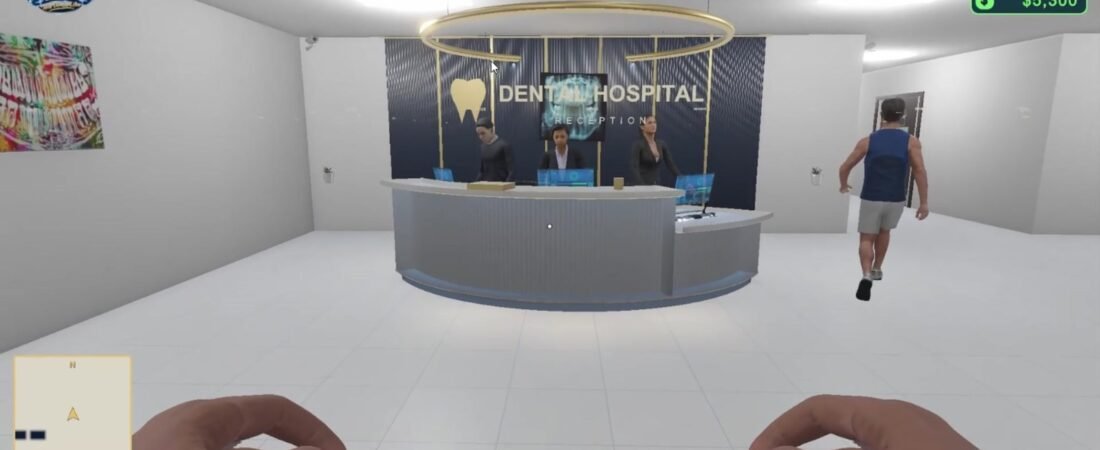
Your first few minutes in Dentist Dream Simulation (DDS) are easier when you know how to move, look around, and interact with objects. This beginner guide covers the basic first-person controls used in the Unity gameplay systems.
1. Move with WASD and Look with the Mouse
Use W to walk forward, S to move backward, A to move left, and D to move right. Move the mouse to turn your view or look up and down. Press Esc when you need to release the mouse cursor.
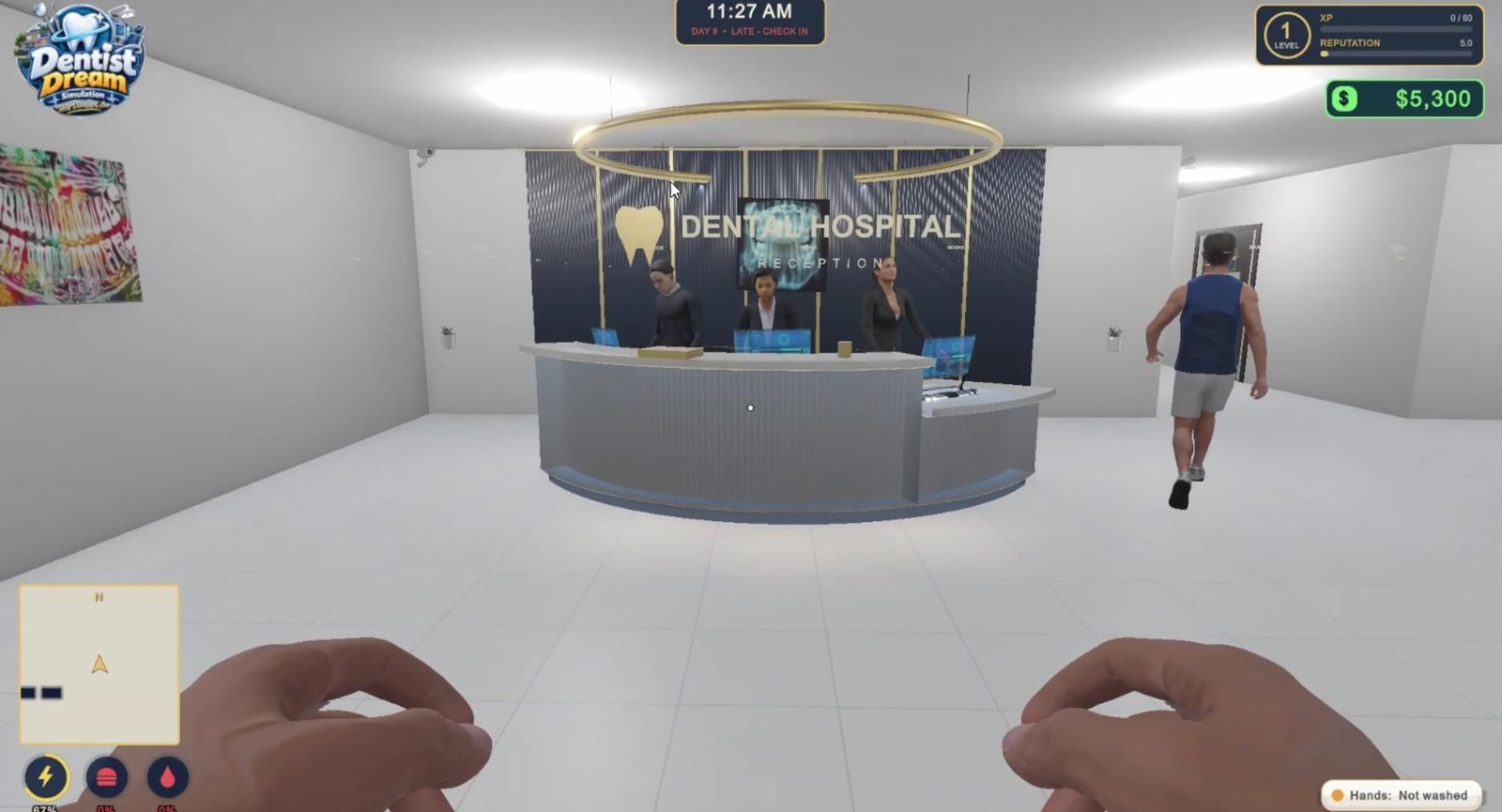
2. Look at an Object and Press E
The main interaction key is E. Walk close to an interactive object, aim your view toward it, and press E when the interaction is available. DDS uses this approach for different parts of the world, including doors, sinks, some clinic equipment, and vehicles.
Some objects change state when you press E again. For example, an interactive door may open and close, while a sink interaction may turn water on or off. Look for on-screen messages to understand what the current object will do.
3. Know When You Are in Walking Mode
The same game world includes clinical interiors and an outdoor city. When you enter a drivable car, the player switches from normal first-person movement to the vehicle controls. For a later driving guide, we will cover steering, braking, the handbrake, and exiting a vehicle.
4. A Simple First-Session Checklist
- Walk around the reception area using WASD.
- Try moving the mouse to look at objects from different angles.
- Approach an interactive door and press E.
- Find an interactive sink and try its E interaction.
- Press Esc to release your mouse cursor when needed.
- Return to the Features page to discover the clinic and open-world systems.
Tip: If pressing E does nothing, try moving closer, aiming more directly at the object, and checking whether the item is currently interactive. Not every decorative object is usable.
This article describes the controls present in DDS’s current gameplay implementation. More tutorials about the dental workflow, clinic management, and open-world city are available through the DDS Gameplay Guides collection.